
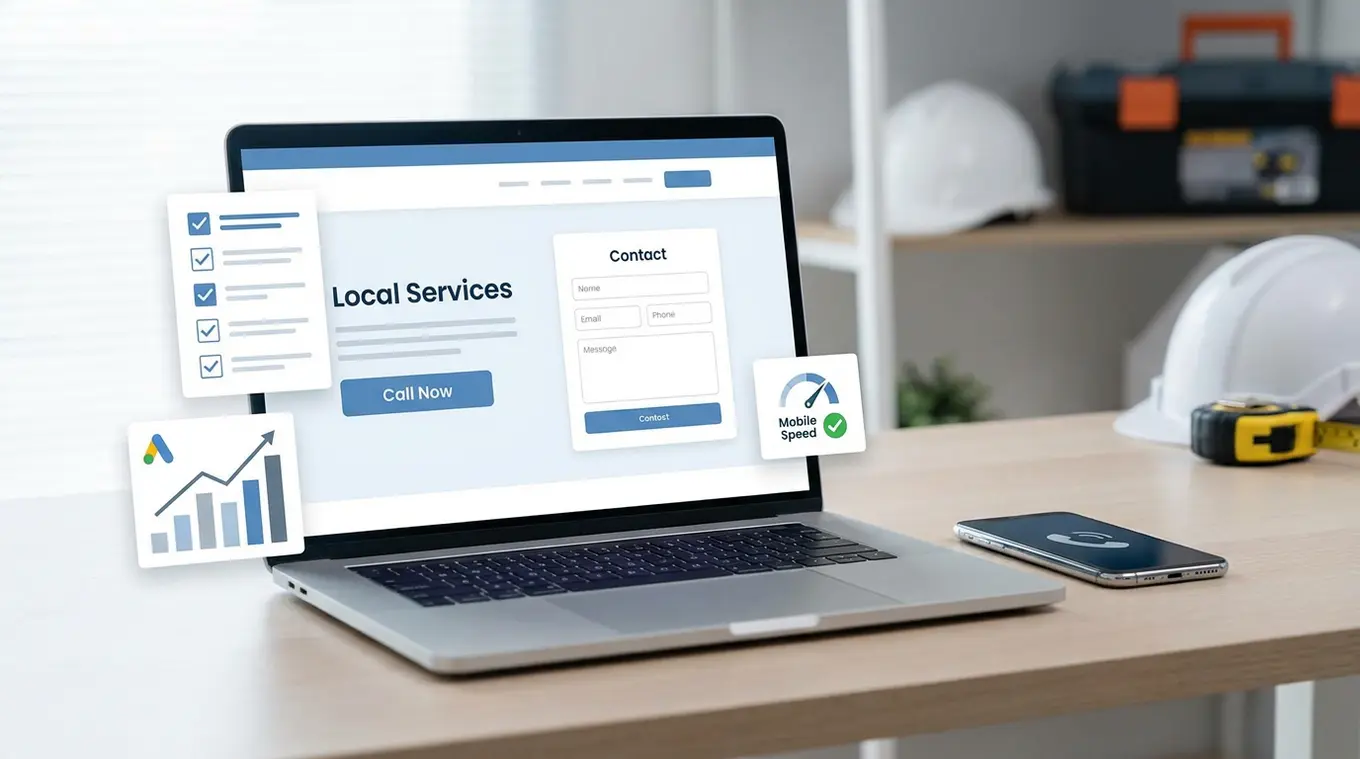
If your Google Ads are bringing clicks but not enough calls or form leads, the problem may not be the ads. In many cases, the bigger issue is the page people land on after they click.
Here is the short answer: before spending more on Google Ads, fix the parts of your website that affect conversions and user experience. That usually means improving page speed, making the service offer clear, adding a strong call to action, reducing distractions, and making it easy for people to contact you on mobile. These are the website conversion basics that help small business landing pages turn paid traffic into real leads.
This Google Ads landing page checklist is built for small business owners, contractors, and local service companies that want better results from their ad budget without wasting money on avoidable website issues.
Why your website matters before you increase Google Ads spend
A lot of businesses assume that if leads are slow, the answer is more budget. Sometimes that helps. But if your website is weak, more traffic usually just means more wasted clicks.
Your landing page affects three things right away:
1. Conversion rate
If people click your ad and then feel confused, distracted, or unsure what to do next, they leave. Even a good campaign can underperform when the page is unclear or hard to use.
2. Google Ads Quality Score
Google looks at landing page experience as part of your Google Ads quality score. If your page is slow, unrelated to the ad, or difficult to use, that can hurt performance. A better landing page can support stronger ad relevance and improve efficiency over time.
3. Cost per lead
If only 2 out of 100 visitors contact you, every lead costs more. If you improve the page and 5 out of 100 contact you, your budget works harder without increasing spend.
That is why a landing page review should happen before you raise your ad budget.
Google Ads landing page checklist
Use this checklist before you spend more on traffic. These are the most common issues we see on small business websites, especially for local service companies using WordPress or Avada.
Make sure the page matches the ad
When someone clicks an ad, they expect to land on a page that directly matches what they searched for.
If your ad says:
- Emergency plumber in Calgary
- Furnace repair near me
- Commercial snow removal quote
the landing page should clearly focus on that exact service.
A common mistake is sending all ad traffic to the homepage. Homepages are often too broad. They talk about everything at once, which makes it harder for a visitor to quickly confirm they are in the right place.
Better approach: send traffic to a focused service page with a clear headline, local relevance, and one main action.
Put the main call to action above the fold
People should not have to scroll around looking for what to do next.
For most local service companies, the main calls to action are simple:
- Call now
- Request a quote
- Book an estimate
- Schedule service
Your main button, phone number, or lead form should be easy to see right away, especially on mobile.
Example: A roofing company runs Google Ads for roof repair. The page should open with a clear headline, a short value statement, a phone number, and a quote form or button. If the first screen only shows a stock image and a vague slogan, conversions will drop.
Make the service clear in the first few seconds
Visitors should know three things almost immediately:
- What service you offer
- What area you serve
- How to contact you
This sounds obvious, but many pages lead with general wording like “trusted solutions” or “quality you can count on.” That kind of copy does not help a busy customer who just searched for a specific job.
Stronger example: “Air Conditioner Repair in Red Deer – Same-Day Service Available”
Weaker example: “Reliable HVAC Solutions for Every Need”
Plain, specific copy usually converts better.
Improve page speed on mobile
Many paid clicks from Google Ads come from mobile devices. If the page loads slowly, people leave before they even read your offer.
Common causes of slow small business landing pages include:
- Large image files
- Too many sliders or animations
- Heavy WordPress plugins
- Bloated page builder layouts
- Unoptimized fonts and scripts
This is especially common on older WordPress websites and some Avada websites where pages have grown over time without cleanup.
Practical fix: compress images, remove unnecessary effects, limit extra scripts, and simplify the page layout. A fast page does not need to look fancy. It needs to load quickly and help the visitor take action.
Use trust signals that local buyers actually care about
When people click an ad, they are often comparing you against two or three other businesses. Your page should help them feel comfortable contacting you.
Useful trust signals include:
- Google reviews or review count
- Years in business
- Licensing or certifications
- Warranty information
- Service area details
- Photos of your team, trucks, or completed work
You do not need a long wall of badges. A few relevant trust points placed near the call to action can make a difference.
Example: An electrical contractor might show “Licensed and insured,” “Serving Edmonton and area,” and “500+ local service calls completed.”
Keep forms short and easy to finish
Long forms hurt conversions, especially on phones.
If your quote form asks for too much too soon, people abandon it. Most service businesses only need the basics for a first contact:
- Name
- Phone or email
- Service needed
- Optional message
If you need more information later, collect it after the lead comes in.
Good rule: only ask for information that helps you respond properly.
Make phone calls easy from mobile
Some visitors do not want to fill out a form. They want to call now.
Make sure your phone number is:
- Visible near the top of the page
- Clickable on mobile
- Repeated in key places on the page
For urgent services like plumbing, HVAC, locksmith, restoration, or towing, this matters even more. A hidden phone number can cost you leads.
Remove distractions and unnecessary navigation
A landing page should guide visitors toward one next step. Too many options reduce that focus.
Common distractions include:
- Full website navigation with too many menu items
- Links to unrelated services
- Popups that interrupt the page
- Large blocks of text before the CTA
This does not mean every landing page must be bare. It means the page should keep attention on the main offer.
Simple test: if a visitor lands on the page and has six different paths to choose from, your conversion rate may suffer.
Build service-specific pages instead of one general page
One of the biggest missed opportunities in small business landing pages is sending every ad click to one general services page.
If you advertise multiple services, each main service should usually have its own page.
Example: A landscaping company might need separate pages for:
- Lawn care
- Spring cleanup
- Retaining walls
- Snow removal
That gives you stronger message match between keyword, ad, and landing page. It also helps visitors feel that your business is a clear fit for their need.
Check tracking before scaling ad spend
Before increasing your budget, make sure you can actually measure what is working.
At minimum, confirm that you are tracking:
- Form submissions
- Phone calls
- Key button clicks if relevant
If tracking is broken or incomplete, it becomes much harder to tell whether the issue is the campaign, the page, or the lead handling process.
This is one of the most overlooked website conversion basics. Businesses often judge results based only on whether the phone felt busy, which is not enough when ad spend is involved.
Common problems on WordPress and Avada landing pages
Many small businesses use WordPress because it is flexible and cost-effective. Avada is also popular because it lets owners build and edit pages without custom development. Both can work well for Google Ads landing pages, but both can also create problems when pages are overloaded.
Common issues include:
- Old pages built for desktop but not mobile
- Hero sliders that slow the page and hide the CTA
- Too many fonts, icons, animations, and layout elements
- Pages that look polished but do not clearly explain the service
- Forms that break or submit poorly on some devices
If your site is built on WordPress or Avada, that does not mean you need a full rebuild. Often, a focused landing page cleanup can improve performance without starting over.
Practical examples for local service businesses
Plumber
If someone searches “emergency plumber near me” and clicks your ad, they should land on a page that says emergency plumbing, shows the service area, has a click-to-call number, and reassures them that help is available quickly.
What hurts conversions: sending them to a homepage that talks equally about renovations, water heaters, drain cleaning, and company history.
HVAC company
If you run ads for furnace repair, the page should not make people dig through a menu to find the repair service. Keep the headline direct, mention same-day or seasonal service if true, and make quote or booking options obvious.
General contractor
If your ads target basement renovations, use a basement renovation page. Show the process, local service area, project photos, and one clear next step. A generic contractors page is usually too broad to convert well from paid traffic.
Should you fix the website first or optimize the ads first?
Usually, you should fix major landing page problems first if:
- The page is slow
- The service is unclear
- The CTA is weak or hidden
- You are sending traffic to the homepage
- Mobile experience is poor
- Tracking is missing
On the other hand, if the page is already solid and relevant, then ad-side improvements like keywords, ad copy, location targeting, and bidding may be the next priority.
In reality, Google Ads and landing pages work together. Better ads bring better visitors. Better pages turn more of those visitors into leads.
If you need help with campaign setup or optimization, you can learn more about our Google Ads management services.
Final thoughts
More Google Ads budget does not fix a weak landing page. If your website is slow, vague, or hard to use, extra traffic often just increases wasted spend.
Start with the basics: clear service pages, strong calls to action, fast mobile performance, simple forms, trust signals, and accurate tracking. These improvements are often more cost-effective than raising your ad budget before the site is ready.
If you want a second opinion on your landing pages, ad traffic, or WordPress or Avada setup, book a website and ads review. We can help you spot the issues that may be costing you leads before you spend more.
FAQs
Do I need a separate landing page for every Google Ads campaign?
Not always for every campaign, but you should usually have separate pages for your main services. The closer the page matches the search and ad, the better the user experience and the better your chances of converting the click.
Can I send Google Ads traffic to my homepage?
You can, but it is often not the best choice. Homepages are usually too general for paid traffic. A focused service page usually performs better because it matches the visitor’s intent more closely.
How does a landing page affect Google Ads Quality Score?
Landing page experience is one part of Google Ads Quality Score. If the page is relevant, easy to use, and helpful to visitors, it can support better performance. If it is slow, confusing, or unrelated to the ad, it can work against you.
What is the most important thing to fix first on a small business landing page?
If you had to pick one, start with clarity. Make sure the page clearly says what service you offer, where you offer it, and how to contact you. After that, focus on speed, mobile usability, and stronger calls to action.
Do WordPress and Avada websites work well for Google Ads?
Yes, they can. But they need to be set up properly. Many WordPress and Avada pages become too heavy or too broad over time. A focused cleanup can often improve conversion performance without needing a full rebuild.