CRM & Sales
How a CRM for Small Business Helps You Follow Up With More Leads
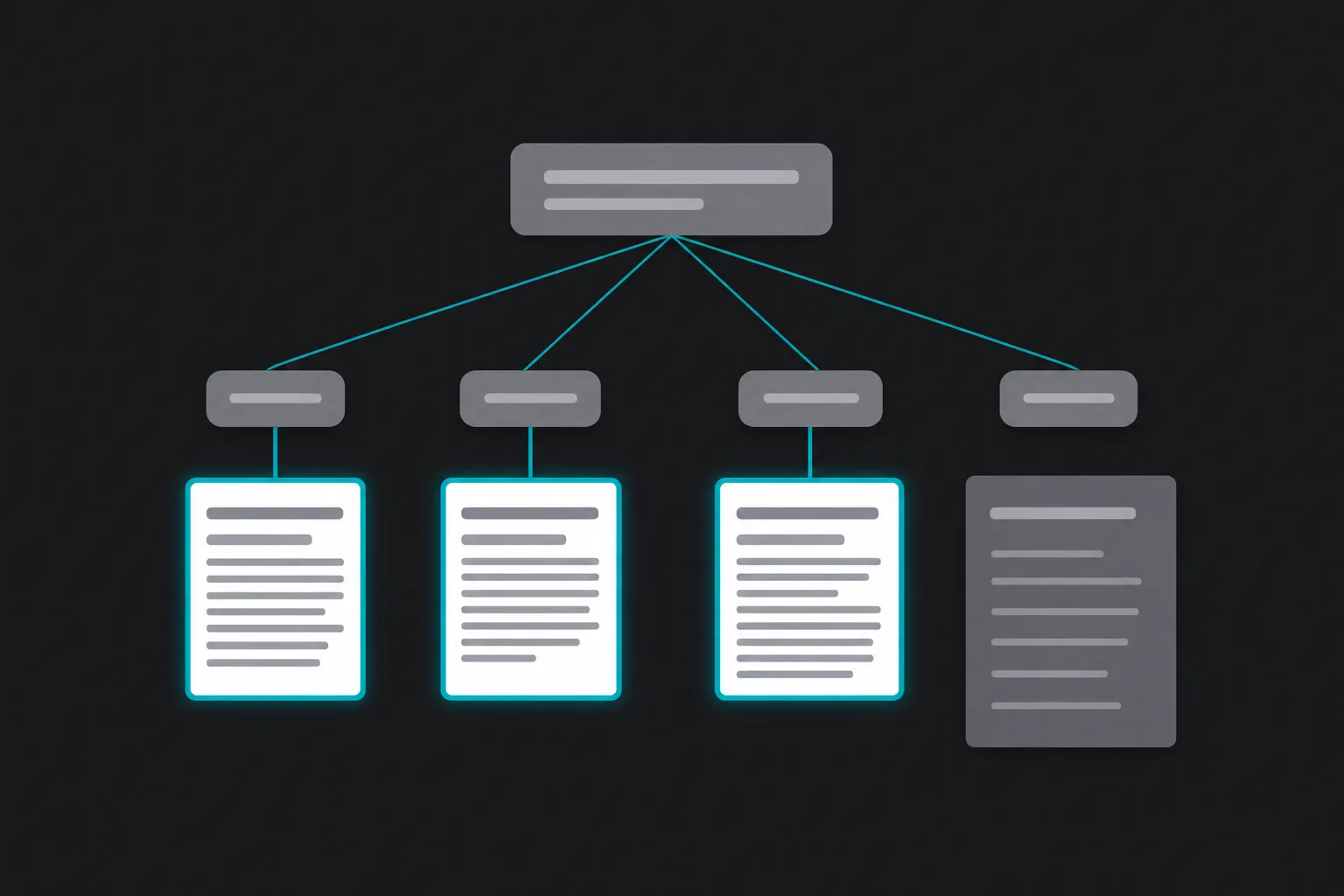
What a CRM does for a small service business: one record per enquiry, reminders that fire on time, and visibility into which leads went quiet and why.

When a new lead comes in, speed and consistency matter. A CRM for small business helps you keep track of every inquiry, respond on time, and move potential customers through a clear sales process. Instead of relying on memory, sticky notes, spreadsheets, or scattered emails, a CRM keeps your lead follow-up organized so fewer opportunities fall through the cracks.
For contractors, home service companies, and local businesses, staying organized can make a real difference. Even if you only receive a handful of new inquiries each week, missing one callback or forgetting to send an estimate could mean losing business to a competitor.
What is a CRM for small business?
A CRM, or Customer Relationship Management system, is software that stores customer information, tracks conversations, manages leads, and helps organize your sales process.
Rather than searching through emails, text messages, notebooks, or spreadsheets, everything related to a customer stays in one place. You can quickly see who contacted you, when they reached out, what services they requested, and what needs to happen next.
For many small businesses, a CRM becomes the central location for managing customer relationships from the first inquiry through completed jobs and future follow-ups.
How a CRM improves lead follow-up
Keep every lead in one place
Leads often arrive from different sources. Some fill out a website form, others call your office, send a Facebook message, reply to a Google Business Profile, or email directly.
Without a system, those inquiries can become scattered across different devices and platforms. A CRM helps collect and organize that information so every lead has a record that is easy to find.
This makes customer management much simpler, especially as your business grows.
Respond faster
Many customers contact multiple businesses before making a decision. If your response takes two days because the inquiry was buried in an inbox, you may miss the opportunity.
A CRM can notify you when new leads arrive, assign them to the right person, and help prioritize responses. Faster follow-up creates a better customer experience and reduces the chance of losing interested prospects.
Never forget the next step
Following up is rarely a single phone call. A customer may request an estimate, ask additional questions, compare options, or need time before making a decision.
A CRM allows you to create reminders for future calls, emails, or check-ins. Instead of relying on memory, your system tells you what needs attention each day.
This creates a more consistent lead follow-up process across your entire business.
Track every conversation
When multiple employees answer phones or respond to emails, communication can quickly become confusing.
A CRM keeps notes, emails, call records, and customer history together. Anyone on your team can see previous conversations before contacting the customer.
That helps avoid duplicate calls, repeated questions, or missed commitments.
Create a more consistent sales process
Many small businesses have an informal sales process. A lead comes in, someone calls them back, an estimate is sent, and eventually the customer decides.
As your business grows, informal processes become harder to manage.
A CRM allows you to create defined stages that might include:
- New lead
- Contacted
- Estimate sent
- Follow-up scheduled
- Job booked
- Job completed
By moving each lead through these stages, you always know where opportunities stand. This also makes it easier to identify bottlenecks. For example, you may discover many estimates are sent but very few receive a follow-up call.
Improving one part of your sales process can have a meaningful impact without increasing your marketing budget.
Practical examples
Example: A plumbing contractor
A plumbing company receives inquiries from Google Ads, website forms, and phone calls. Before using a CRM, staff members tracked requests using handwritten notes and email folders.
Occasionally, callbacks were delayed or estimates were forgotten during busy weeks.
With a CRM, every inquiry becomes a new lead automatically. Staff can assign follow-up tasks, record estimate dates, and receive reminders if a customer has not been contacted within a few days.
The result is a more organized workflow and fewer missed opportunities.
Example: A landscaping company
During spring, a landscaping business receives a large number of quote requests.
Instead of sorting through emails every morning, the team uses a CRM dashboard to see outstanding estimates, upcoming appointments, and customers waiting for follow-up.
Because every lead is visible, it becomes easier to prioritize work and maintain consistent communication.
Example: A professional service business
An accounting or consulting firm may have longer sales cycles. Prospective clients often ask questions before booking.
A CRM stores previous conversations and schedules future reminders so no prospect is forgotten if they need additional time before making a decision.
Signs you’ve outgrown spreadsheets
Spreadsheets can work for a while, but they become harder to manage as lead volume increases.
You may benefit from a CRM if:
- You regularly forget to follow up with leads.
- Customer information is spread across emails, notebooks, and phones.
- You cannot quickly see where each lead is in your sales process.
- Different employees have different information about the same customer.
- You spend too much time searching for previous conversations.
- You want better visibility into your pipeline and upcoming work.
If several of these sound familiar, implementing a CRM may save time while improving customer management.
What to look for in a CRM
Easy to use
A CRM should simplify your work, not create more of it. Choose a system that your team will actually use every day.
Mobile access
Many contractors and service businesses spend most of their day away from the office. Mobile access allows employees to update customer information, review notes, and respond to leads from the field.
Automation
Simple automation features can reduce repetitive tasks. Examples include assigning new leads, creating follow-up reminders, sending appointment confirmations, or notifying team members when action is required.
Integration with your existing tools
A CRM often works best when connected with your website forms, email, calendars, advertising platforms, or scheduling software. Reducing manual data entry helps improve accuracy and saves time.
Reporting
Basic reporting helps answer important questions such as:
- How many leads arrived this month?
- Where did those leads come from?
- How quickly are we responding?
- How many estimates become customers?
Having reliable data makes it easier to improve your sales process over time.
Frequently Asked Questions
Do small businesses really need a CRM?
If your business receives multiple leads each week or has more than one person communicating with customers, a CRM can help keep information organized and reduce missed follow-ups.
Can a CRM replace spreadsheets?
For many businesses, yes. A CRM provides customer history, task management, communication tracking, and reporting that spreadsheets typically cannot manage efficiently.
Will a CRM automatically increase sales?
A CRM does not generate customers on its own. It helps your business respond consistently, stay organized, and improve lead follow-up, which can support better sales performance when combined with effective marketing and customer service.
Is a CRM difficult to learn?
Many modern CRM platforms are designed for small businesses and are relatively straightforward to use. Choosing the right system and setting it up properly can make adoption much easier.
Final thoughts
Following up consistently is one of the simplest ways to improve customer experience and reduce lost opportunities. A CRM for small business helps organize lead information, track customer interactions, and create a repeatable sales process that is easier to manage as your business grows.
If your team is spending too much time searching for customer information or worrying about missed follow-ups, it may be time to consider a CRM that fits your business.
If you’d like help choosing or setting up a CRM that supports your workflow, book a quick intro call. We’ll discuss your current process, answer your questions, and help you determine whether a CRM is the right fit for your business.