Strategy
Why Is My Website Not Generating Calls? A Tuesday Afternoon Breakdown
Traffic is up but the phone isn't ringing. Here's what actually happens when a homeowner lands on your site — and why fixing conversion comes before ad spend.

Your analytics dashboard says 400 sessions this month. Your ads are running. Your Google ranking is decent. And the phone still isn’t ringing enough to matter. If you’re asking why is my website not generating calls, the honest answer usually isn’t your logo, your colour scheme, or your headline font. It’s what happens in the first 8 seconds after someone lands on your page — and almost no contractor ever sits down and watches that part happen.
Why is my website not generating calls when the traffic looks fine
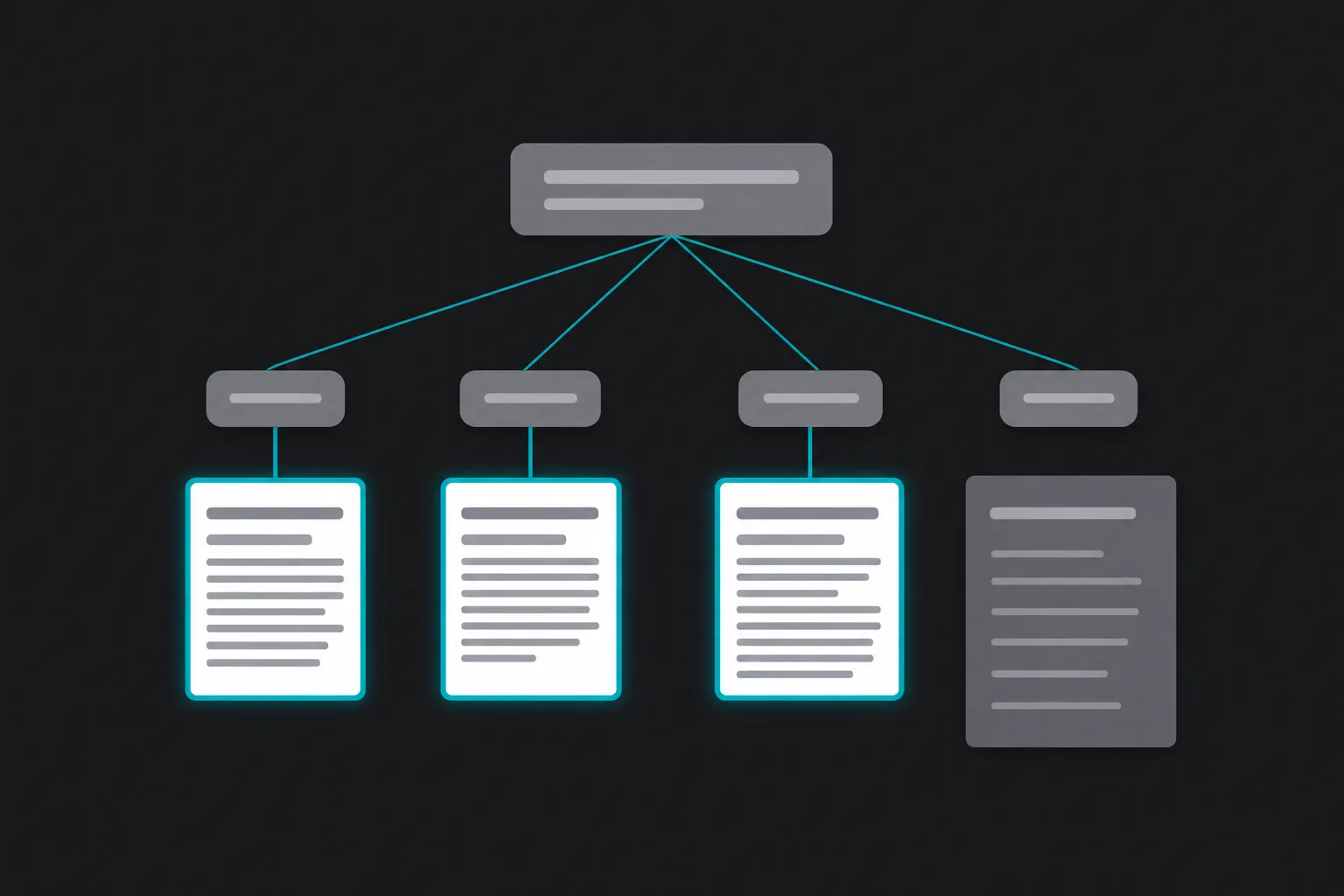
Traffic and conversion are two different jobs. Traffic gets someone to your site. Conversion gets them to pick up the phone. A business can win the first job completely — good ad targeting, decent SEO, referral links from past customers — and still lose the second one entirely. Analytics tools count sessions, not decisions. They’ll tell you 400 people showed up. They won’t tell you that 380 of them left without ever seeing a phone number.
When traffic is healthy but calls are flat, the leak is almost never at the top of the funnel. It’s in the three or four seconds after someone arrives, when they’re deciding whether this business looks like it can solve their problem right now.
What actually happens on a Tuesday when a homeowner lands on your site
Here’s the scenario, and it plays out thousands of times a week across Ontario:
It’s 2:15pm on a Tuesday. A homeowner in Hamilton notices water staining on the ceiling. She pulls out her phone, types “roof repair near me,” and taps the first ad that shows up. The page loads — on a phone, on a spotty connection, while she’s standing in her kitchen holding a flashlight.
She’s not reading. She’s scanning. She wants one of two things in the first screen: a phone number she can tap, or a clear sense that this company deals with exactly her problem. If she doesn’t see either in a few seconds, she hits the back button and taps the next result. She doesn’t leave a comment. She doesn’t fill out a contact form to complain. She just calls someone else.
Multiply that by every visitor your ads and SEO bring in, and you start to see why a site can carry solid traffic numbers and still produce a thin call log. The visit happened. The conversion didn’t. And nothing in your ad platform tells you that’s what occurred — it just shows a click.
The phone number buried in the footer costs jobs
This is the single most common thing we find when we look at a trades site for the first time: the phone number lives in the footer, in 10-point grey text, below the service list, below the testimonials, below the “About Us” paragraph nobody asked for.
For a homeowner with a leaking roof or a furnace that won’t start, that’s not a minor inconvenience. It’s the difference between calling you and calling the next name on the list. Urgent-need trades work — plumbing, HVAC, electrical, roofing — gets booked by whoever answers fastest, not necessarily whoever has the nicest site. If the number isn’t visible without scrolling, on mobile, in the first screen, it might as well not be on the page at all.
A sticky header with a tap-to-call button costs almost nothing to build. Not having one is one of the most expensive design decisions a service business can make, because it’s invisible in every report except the one that matters: booked jobs.
Website not converting to leads isn’t always a design problem
Design gets blamed first because it’s the most visible thing. But a website not converting to leads is often a mismatch problem, not an aesthetics problem. A few patterns show up again and again:
- Ad promise doesn’t match the landing page. The ad says “Emergency Roof Repair — Same Day,” and the click lands on a generic homepage listing eight services with no urgency and no same-day mention anywhere.
- Forms with too many fields. Someone with an emergency isn’t filling out name, address, service type, preferred date, and a message box. They want to call or they want to leave.
- No visible proof this is a real, local operation. No photo of the crew, no service area listed clearly, no mention of how long they’ve been doing this work. Homeowners are cautious about who they let into their house.
- Page load speed on mobile. A site that takes six seconds to load on a phone loses a chunk of visitors before they see anything at all.
None of these show up in a typical “we redesigned your website” pitch, because none of them require a new design. They require someone to actually trace the path a real visitor takes, on a real phone, under real time pressure.
Why don’t my website visitors call me — the follow-up gap
Sometimes people do call. And the business still loses the job. This is the part almost nobody tracks.
A call comes in during a job on the roof. It goes to voicemail. Nobody calls back until the next morning, by which point the homeowner has already booked someone else. Or the call gets answered, but by whoever’s closest to the phone, with no idea what to say, no way to book anything on the spot, and the caller says “I’ll think about it” and never calls back.
If you’re asking why don’t my website visitors call me, it’s worth separating two very different problems: visitors who never call because the site didn’t earn the call, and visitors who did call but were lost afterward because of how the call was handled. Fixing the wrong one wastes money. A better landing page won’t help if the real leak is a missed-call rate nobody’s measuring.
Call tracking for service businesses: how you find out where they drop off
You can’t fix what you can’t see, and most trades businesses genuinely can’t see where calls come from or where they fall apart. Call tracking for service businesses solves that by assigning a unique tracking number to each channel — one for Google Ads, one for the website, one for a Google Business Profile listing, one for a print ad if you’re still running one. Every call gets logged: which source it came from, what time, how long it lasted, whether it was answered.
Once that’s in place, questions that used to be guesswork become answerable in an afternoon:
- Which ad campaigns generate calls versus just clicks
- What percentage of calls go unanswered, and at what time of day
- Which landing pages produce short calls (bad fit, wrong service) versus longer ones (real interest)
- What it actually costs, in dollars, to generate one call and one booked job
That last one matters more than any of the others. We track our own client work down to specific figures — an average cost per lead of $146 and an average cost per issued appointment of $423 — because without that number, every conversation about “more traffic” or “more ad spend” is a guess dressed up as a strategy.
Fix conversion before you spend more on ads
Here’s the trade-off most agencies won’t say out loud: increasing ad spend on a site with a conversion leak doesn’t fix the leak. It just runs more water through the same crack. If one in twenty visitors calls today, doubling your ad budget generally gets you roughly twice the traffic and roughly the same one-in-twenty ratio — meaning you’re paying more to book the same number of jobs, not fewer.
The order that actually saves money is the boring one: find out where visitors drop off, fix the phone number visibility, tighten the ad-to-landing-page match, close the follow-up gap on calls that already come in — and only then put more budget behind the parts that are proven to work. This is the same principle behind fixing conversion and follow-up before increasing spend: it’s not a philosophy, it’s arithmetic. A dollar spent on a site that converts is worth more than a dollar spent on one that doesn’t, regardless of how good the ad targeting is.
None of this requires guessing. It requires watching, for real, what a real visitor does — and having the call data to back it up instead of a hunch.
What to check this week
Before spending another dollar on ads, it’s worth spending an hour on this instead:
- Open your site on your own phone. Time how long it takes to find a phone number without scrolling.
- Click through from one of your actual ads. Does the landing page match what the ad promised?
- Check your contact form. Count the fields. If it’s more than name, phone, and a one-line message, someone in an emergency is probably abandoning it.
- Ask whoever answers your phones what happens to a call that comes in during a job. Voicemail? Straight to a text? Nothing?
- If you’re running paid ads, check whether you have any way of knowing which ad, which keyword, or which page actually produced last week’s calls. If the answer is “no idea,” that’s the gap worth closing first.
Most of what we find doing this kind of review isn’t a website that needs to be torn down and rebuilt. It’s two or three specific points where a visitor with real intent gives up, and a call log that can’t tell you it happened. Both are fixable, usually without a full redesign and without more ad spend.
If you want a second set of eyes on where your visitors are actually dropping off — before adding another dollar to your ad budget — get a free marketing audit at marketingtech.ca, or book time directly with Mathew.