Strategy
Why Your Google Ads Look Different This Month: What Google Ads AI Max Actually Changed
Google auto-upgraded Dynamic Search Ads to AI Max starting September 2026. Here's what changed, what carried over, and three things to check this month.
If your Google Ads account looks different this month and you didn’t touch anything, you’re not imagining it. Starting in September 2026, Google began automatically upgrading Dynamic Search Ads campaigns to Google Ads AI Max. You didn’t opt in. Nobody asked. New DSA campaigns can no longer be created at all, and the full sunset of Dynamic Search Ads is set for February 2027. This piece isn’t going to tell you AI Max is better or worse than what you had. Nobody can honestly say that for your account yet — including us. What we can do is tell you exactly what changed, what to check, and what it might be costing you.
What Changed, and When
Dynamic Search Ads worked by scanning your website and matching your ads to search queries based on your page content, rather than keywords you chose. A lot of local trades ran DSA as a catch-all — a way to pick up searches close to their core services without building out a full keyword list.
Google’s rollout on this has happened in stages:
- Before September 2026: DSA and AI Max existed side by side. You could choose either.
- September 2026: Google began automatically migrating existing DSA campaigns to AI Max. Your campaign name might still say “Dynamic Search Ads,” but the engine running behind it has already changed for many accounts.
- Now: You can no longer create a new DSA campaign. If you want a fresh campaign of this type, AI Max is the only option Google gives you.
- February 2027: Dynamic Search Ads is fully retired. Every remaining DSA campaign will run as AI Max whether it has been reviewed or not.
This is one of the more consequential google ads changes 2026 has brought for small accounts, precisely because it’s automatic. Nobody sent a warning that said “check your negative keyword list before we widen your matching.”
Google Ads AI Max: What It Does Differently From DSA
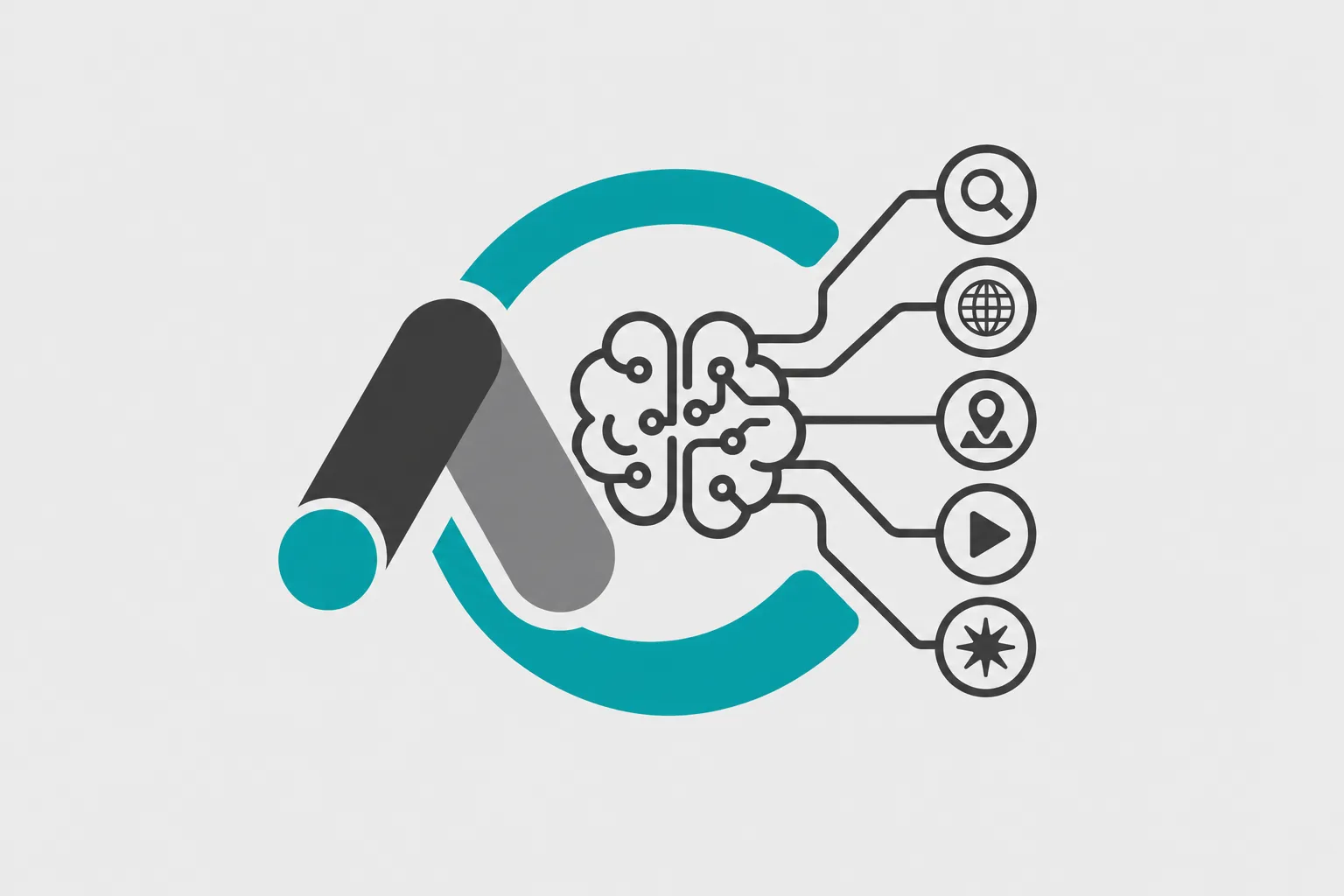
The stated goal of google ads ai max is to find more relevant queries than DSA did — using your landing pages, your existing keywords, and broader signals to match ads to searches that a fixed keyword list, or even a page-crawl match, would have missed. That’s the pitch, and it’s not an unreasonable one in the abstract.
Here’s the part that matters for a business that built its account carefully over a few years: Google says your existing settings carry over during the migration. In practice, “carries over” is doing a lot of work in that sentence. Match type behaviour, page feed restrictions, and audience signal settings do not always transfer with the same weight they had under DSA. A campaign that was deliberately narrow — set up that way because you learned the hard way which searches waste money — can come out the other side matching more broadly than you intended, even though every setting technically “moved.”
This isn’t a flaw unique to AI Max. It’s what happens whenever a platform swaps the engine under a campaign you didn’t rebuild yourself. The fix isn’t to panic. It’s to check.
What This Means for Google Ads for Contractors and Trades
Most owner-operated accounts we come across in Hamilton and the Golden Horseshoe were never built with an ads specialist watching them daily. They were built once, tuned a bit, and left mostly alone because the leads were coming in at a number the owner could live with. That’s a reasonable way to run a $600-a-month ad account — until the thing underneath it changes without your involvement.
A roofer who spent two years excluding “how to” searches, DIY content, and out-of-area postal codes from a DSA campaign now has that campaign quietly running as AI Max. The exclusions are probably still there. Whether they’re doing the same job is a different question, because AI Max is explicitly built to widen the net, not narrow it. If you kept your matching tight on purpose — because a broad match once brought you a flood of “roof repair cost calculator” clicks that never converted — that history doesn’t transfer. Only the settings do, and only partially.
This is true whether you manage the account yourself on a Saturday morning or pay someone a few hundred dollars a month to “handle the ads.” Either way, somebody needs to look at what’s actually happening, not just what the campaign is named.
The Three Things to Check Before You Touch Anything
Don’t restructure the account yet. Don’t panic-pause anything. Check these three things first, because they’ll tell you whether there’s actually a problem.
| Check | Where to look | What you're looking for |
|---|---|---|
| Search terms report, last 30 days | Campaign > Insights and reports > Search terms | Queries you would never have chosen to pay for — different services, wrong locations, informational "how to" searches |
| Settings that carried over | Campaign settings, page feeds, audience signals | Whether your old exclusions, locations, and page feed restrictions are still active and configured the way they were before the migration |
| Cost per lead, before vs. after | Your CRM or call tracking, matched against the date your campaign migrated | Whether cost per lead moved, and in which direction, since the switch — not just impressions or clicks |
The search terms report is the most useful of the three because it’s the least abstract. It’s a plain list of what people actually typed before your ad showed up. Pull the last 30 days and read it the way you’d read a stranger’s expense report — line by line, asking whether you’d have approved that spend if someone asked you first. If you see searches for a service you don’t offer, a city you don’t serve, or a question with no buying intent behind it, that’s not theoretical waste. That’s money that already left your account.
Checking whether settings carried over means going into the campaign and confirming your negative keywords, location targeting, and any page feed restrictions still match what you had before September 2026. Google’s migration tools are generally competent at moving settings across, but “generally competent” isn’t the same as “exactly what you built.” Confirm it yourself rather than assuming.
Cost per lead before versus after is the number that actually matters, because clicks and impressions can move in either direction without telling you anything about whether the leads are any good. This is also the number that’s easiest to get wrong if you’re not tracking it consistently — which is exactly why we track cost per lead to the dollar for every account we manage, rather than reporting on clicks and calling it a result. If you can’t answer “what did a lead cost me in August versus what it costs me now,” that’s worth fixing before you draw any conclusion about AI Max at all.
What Nobody Can Tell You Yet
We’re not going to tell you AI Max is going to raise your costs, and we’re not going to tell you it’s secretly better for local service businesses. Anyone claiming certainty about that right now is selling you something. The honest answer is that AI Max behaves differently account to account, depending on how tight your previous settings were, how much conversion data Google has to work with, and how competitive your market is. A plumber in a dense urban market with a decade of conversion history is going to see something different than a two-truck excavation contractor with a handful of monthly leads.
What we do know: the migration is not optional, the full sunset is coming in February 2027 regardless of what you decide this month, and the only way to know what it’s doing to your specific account is to look at your own data — not a case study from somewhere else.
What To Do This Month
Pull your search terms report for the last 30 days and look for searches you would never have chosen to pay for. That single step will tell you more about what’s actually happening in your account than any general commentary on AI Max, including this one.
If it looks messy — if you’re seeing queries that have nothing to do with the job you actually do — that’s worth a second set of eyes before you spend another month paying for it. We’ll go through it with you, no pitch deck, as part of a free marketing audit. If you’d rather talk it through first, get in touch, or take a look at how we approach Google Ads management more broadly.